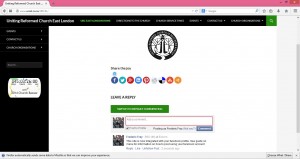
Step1: Navigate to the page you want to comment on
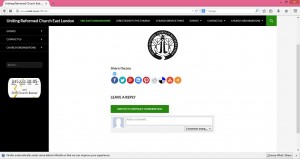
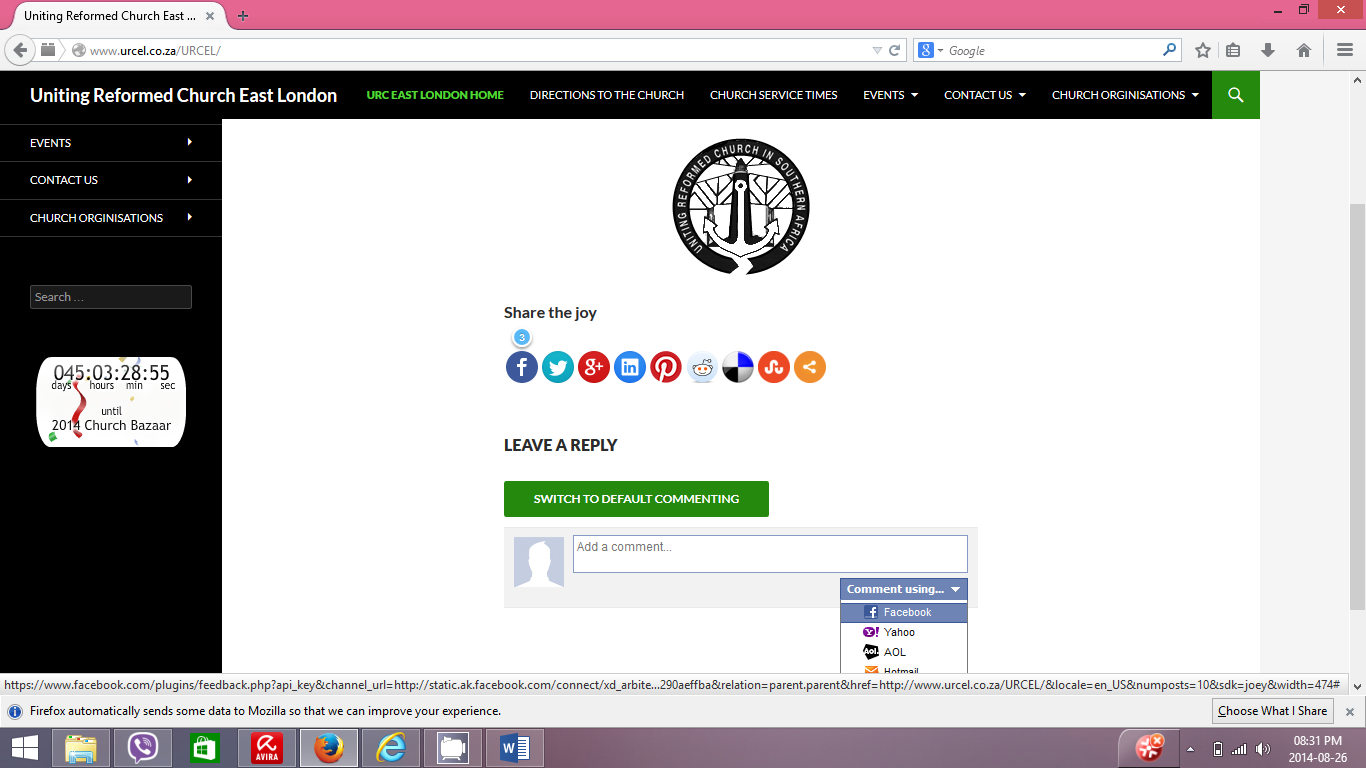
Step2: Select Comment Using and then select your preferred social network to comment on in this case it will be facebook
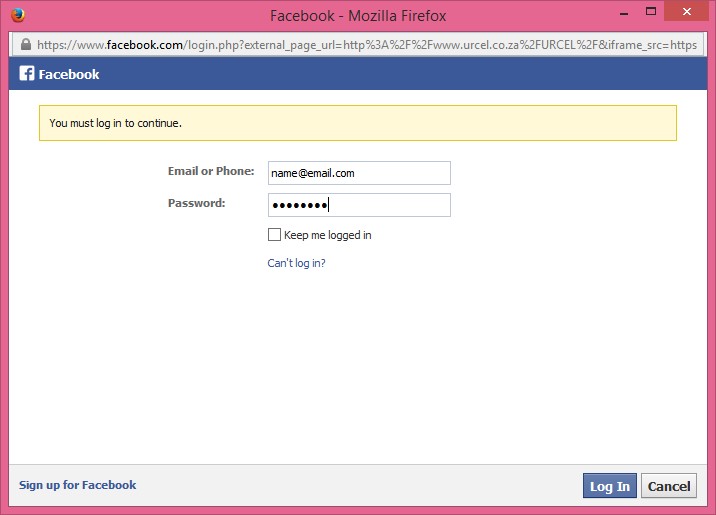
Step3: A popup will appear with the facebook login, login to facebook using your account details, username and password
Step4 : Enter the comment and select the comment button
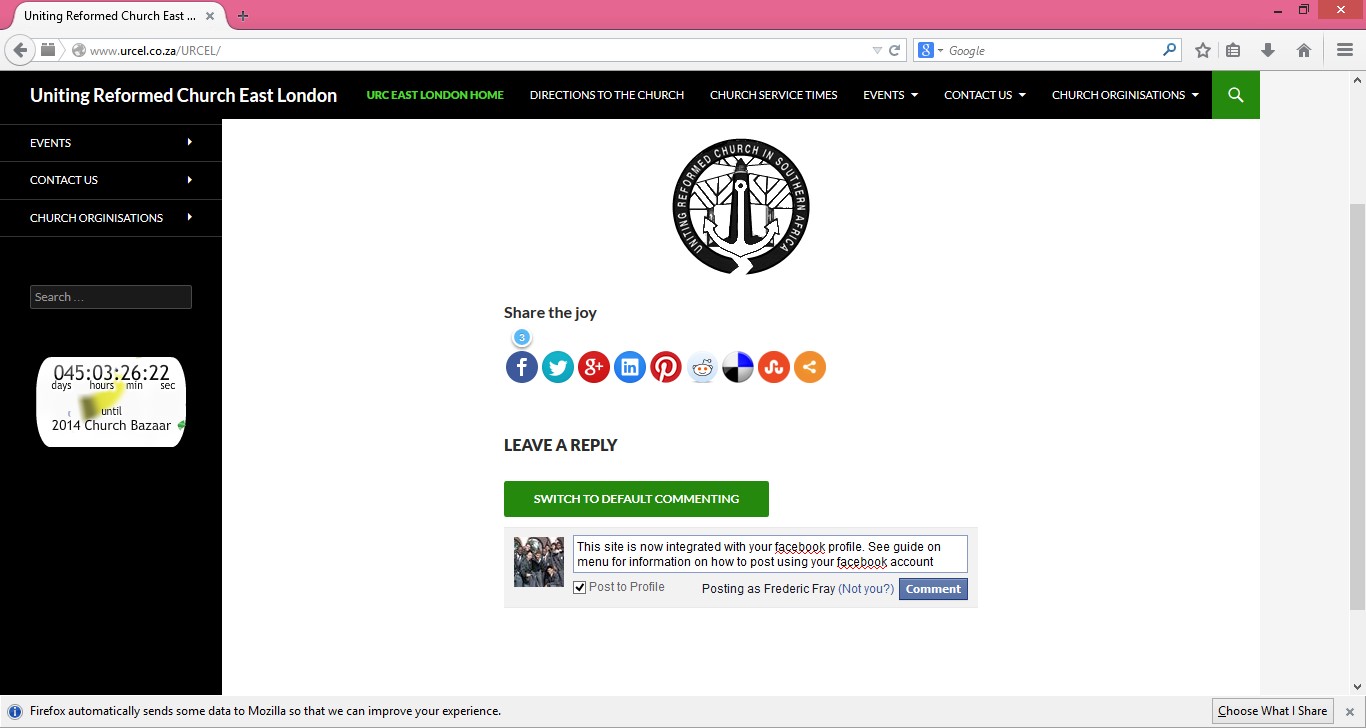
Step5: Your comment will now appear on your facebook wall or timeline and the Uniting Reformed Church East London Website